This guide explains why Apple Card is worth considering as your first or next card. You will see the top reasons to choose it, how Daily Cash works for everyday purchases, and what requirements you need to meet before applying.
You will also learn exactly where and how to apply, plus how to contact support and find the main headquarters. With this structure, you can decide with confidence.


Top Reasons To Get The Apple Card
Before you commit to any card, you should know exactly what makes it different. Apple Card focuses on transparency, smart digital tools, and simple rewards that new users can understand quickly.
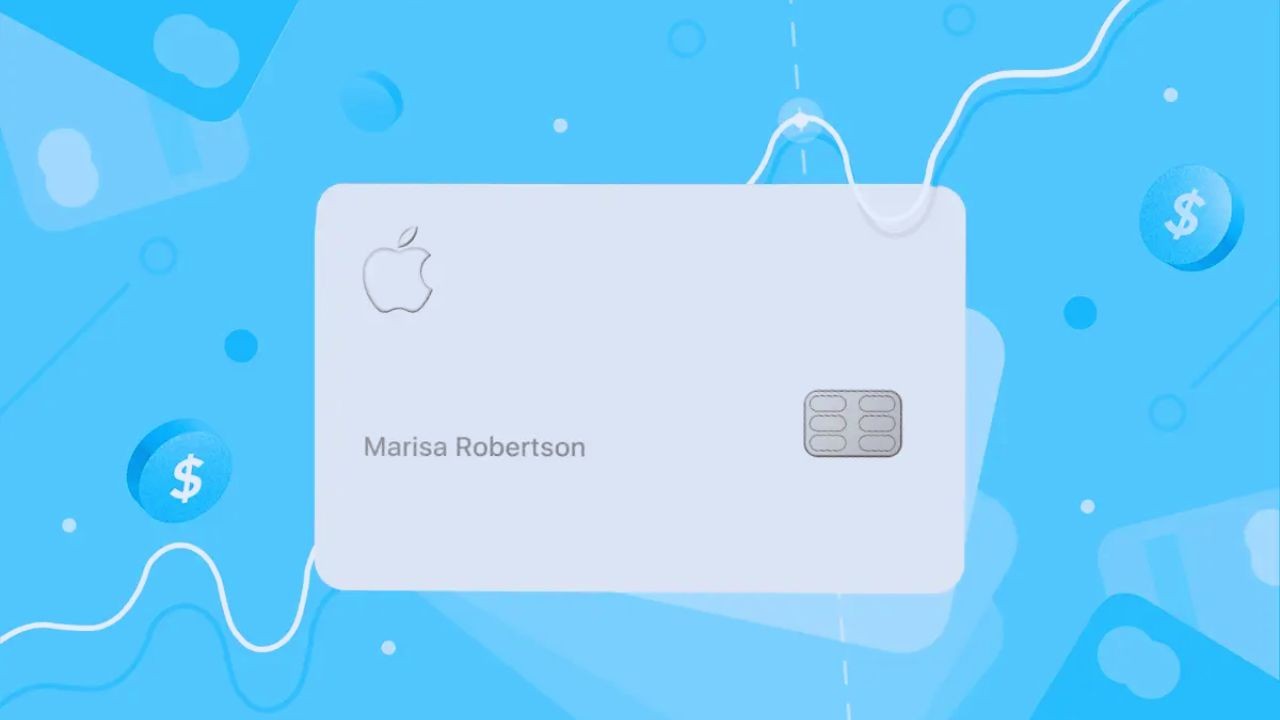
Instead of confusing points, you get cash back called Daily Cash that arrives every day. There are no traditional credit card fees, and you manage everything in the Wallet app. These features combine to make Apple Card beginner friendly.
No Fees On The Apple Card
One of the strongest reasons to choose Apple Card is the lack of common fees that usually create stress.
Apple states that there are no annual fees, late fees, foreign transaction fees, or over limit fees on the card, which keeps the pricing easier to predict.
You still pay interest if you carry a balance, but there are fewer surprise charges. For new cardholders, this structure reduces costly mistakes.
Simple Daily Cash Rewards Structure
Apple Card uses Daily Cash instead of a complicated points system, which makes rewards easier to track and use.
You earn up to 3 percent Daily Cash on purchases with Apple and select merchants, 2 percent when you use Apple Card with Apple Pay, and 1 percent when you use the physical card.
The cash goes into Apple Cash or a savings account, and you can use it immediately.
Strong Security And Privacy Features
Security is built into Apple Card through hardware and software, which is helpful if you worry about fraud.
Every Apple Pay transaction uses a unique dynamic security code and requires Face ID or Touch ID, so your card number is not shared with merchants.
In Wallet, you see merchant names and locations clearly, making suspicious charges easier to spot. Apple also emphasizes that it does not sell your transaction data for marketing.
Clear Tools To Manage Interest And Spending
Apple Card shows you exactly how your payments affect interest costs, which is critical when you are learning to use credit responsibly.
The Wallet app includes a payment wheel that estimates interest based on different payment amounts, helping you choose smarter repayment strategies.
You also see your spending grouped by category and merchant, which makes it easier to adjust habits. These tools support better decisions month after month.
Deep Integration With The Apple Ecosystem
If you already use an iPhone daily, Apple Card fits naturally into your existing routine. You apply, pay, track spending, and manage Daily Cash directly in Wallet without visiting separate websites.
You also get 3 percent Daily Cash on purchases at Apple, including hardware, subscriptions, and App Store content.
For many users, this tight integration makes Apple Card feel less like a traditional bank product and more like a built in financial tool.
How To Use Apple Card For Daily Cash Back
To get real value from Apple Card, you need to use Daily Cash effectively on everyday purchases.
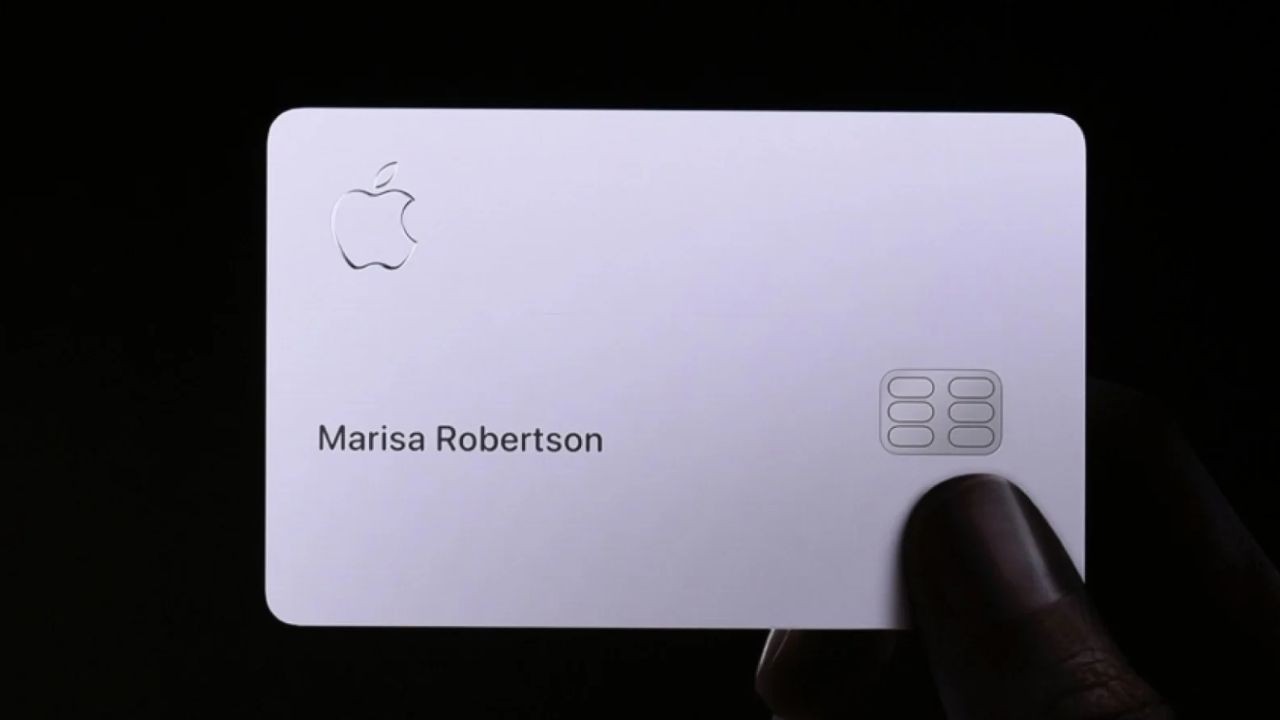
Daily Cash is not points that you must convert later; it is real cash that arrives every day and never expires, as long as your account remains open.
You can use it to spend, send, or save. Understanding where you earn the most helps you maximize rewards.
Maximizing Daily Cash With Apple Pay
You earn your best Daily Cash rates when you pay using Apple Card with Apple Pay, so it makes sense to use contactless payments whenever possible.
Most in store and online merchants that accept Apple Pay will give you 2 percent Daily Cash when you choose Apple Card as the payment method.
At Apple and selected partners such as certain fuel stations and retailers, you can unlock 3 percent Daily Cash, which increases your overall return.
Using The Physical Card And Virtual Card Number
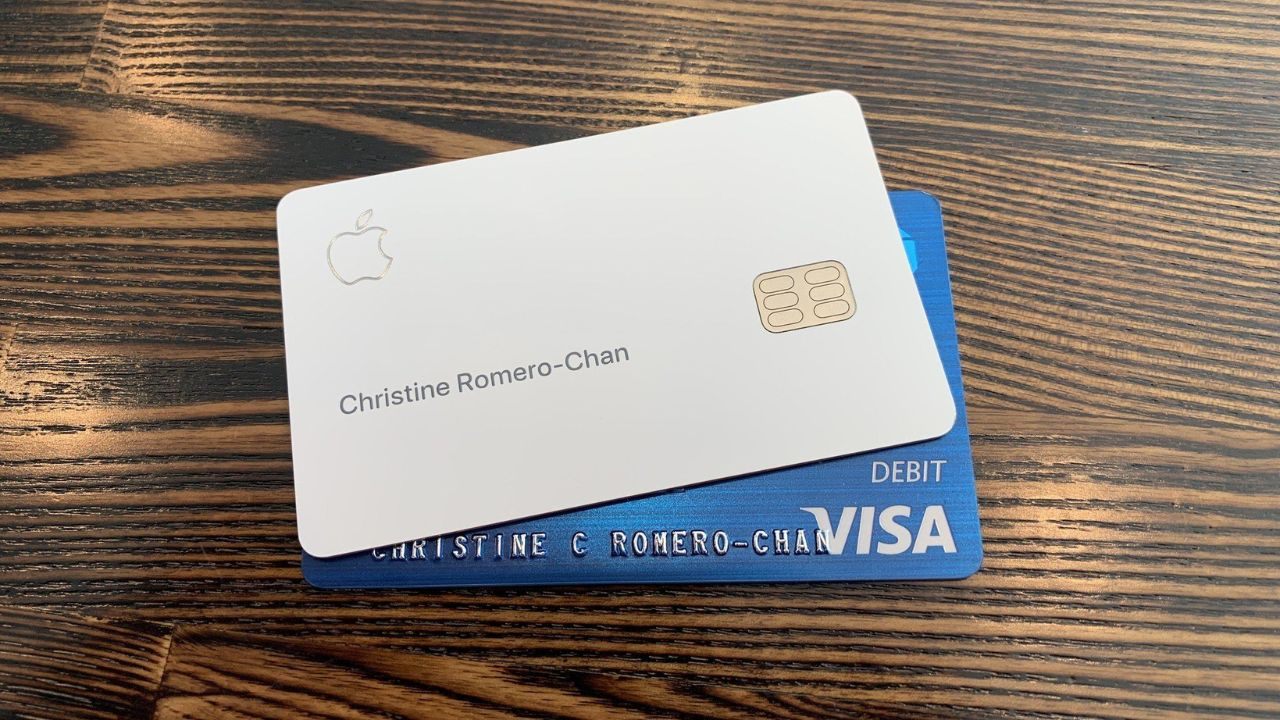
Some merchants do not support Apple Pay yet, which is where the physical titanium card and the virtual card number come in.
When you insert or swipe the physical card in these locations, you earn 1 percent Daily Cash on those purchases.
For online stores that cannot handle Apple Pay, you can generate a virtual card number in Wallet to pay securely. This keeps your main card number protected while still earning rewards.
Managing And Redeeming Daily Cash
Once Daily Cash lands in your Apple Cash balance or savings account, you decide how to use it. Many people apply it directly toward their Apple Card balance to reduce interest costs month after month.
Others prefer to treat it as a small savings stream for future purchases. Apple also lets you send Daily Cash to friends or family through Apple Cash. Whatever you choose, you keep full control.
Requirements To Apply For The Apple Card
Before you apply, you should confirm that you meet the basic Apple Card requirements.
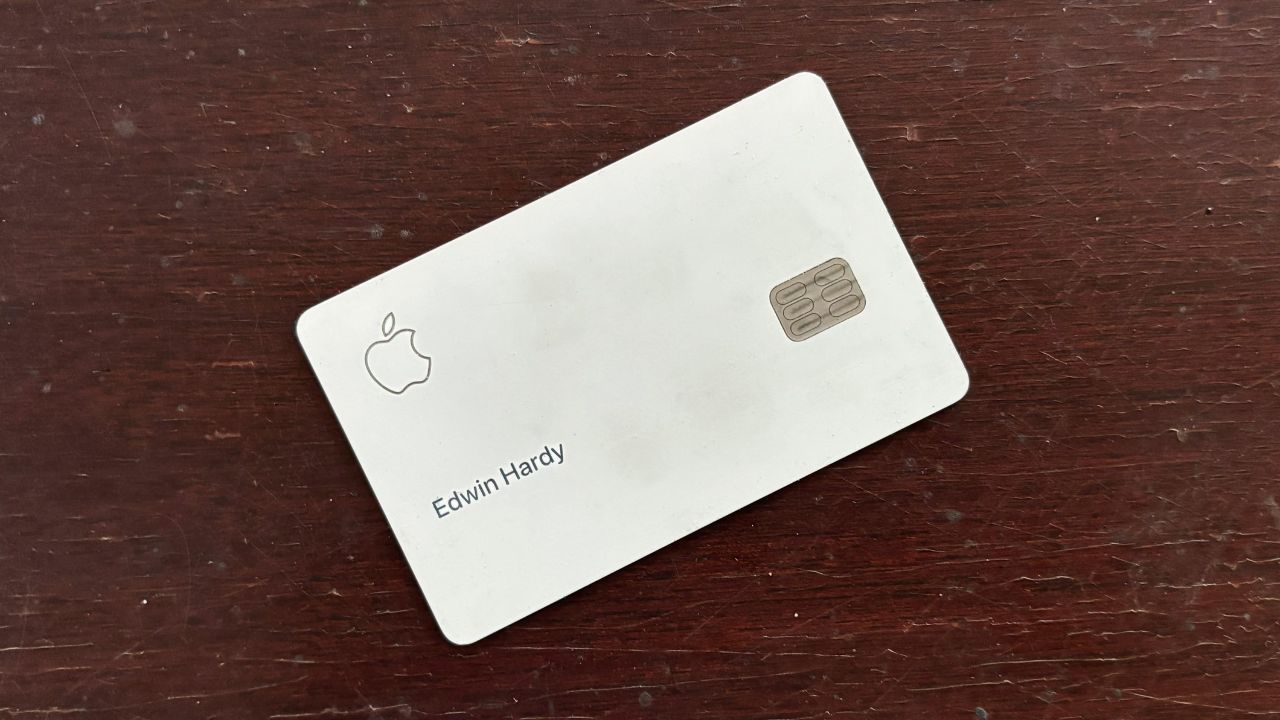
Apple Card is currently available only to qualifying applicants in the United States and some territories, and it is issued by Goldman Sachs Bank USA.
You must also use a compatible Apple device, have the right account settings, and pass a standard credit evaluation. Knowing these conditions avoids wasted applications.
Eligibility, Age, And Residency Rules
Apple states that you must be at least 18 years old, depending on where you live, to qualify for Apple Card.
You must be a United States citizen or lawful resident with a U.S. residential address that is not a P.O. Box, although certain military addresses are accepted.
You also need to sign in with your Apple account and have two factor authentication enabled. These baseline rules must be satisfied before the bank reviews your credit.
Credit Profile And Income Considerations
Goldman Sachs evaluates your application using data from your credit reports, your stated income, and your existing debts.
Apple explains that factors such as payment history, credit utilization, and length of credit history all influence your result.
While Apple does not publish a strict minimum credit score, higher scores with responsible usage usually receive better approval odds and lower APR. Paying down other balances before applying can strengthen your profile.
Device And Software Requirements
Because Apple Card is a digital first product, you must have an eligible iPhone or iPad with the latest version of iOS or iPadOS to access all features.
You also need the Wallet app and a valid Apple ID that you use regularly. If you do not own a supported device, you cannot complete the application or manage the card. This keeps the card tightly integrated with Apple hardware.
Where And How To Apply For Apple Card
When you are ready to move from research to action, the application process is simple.
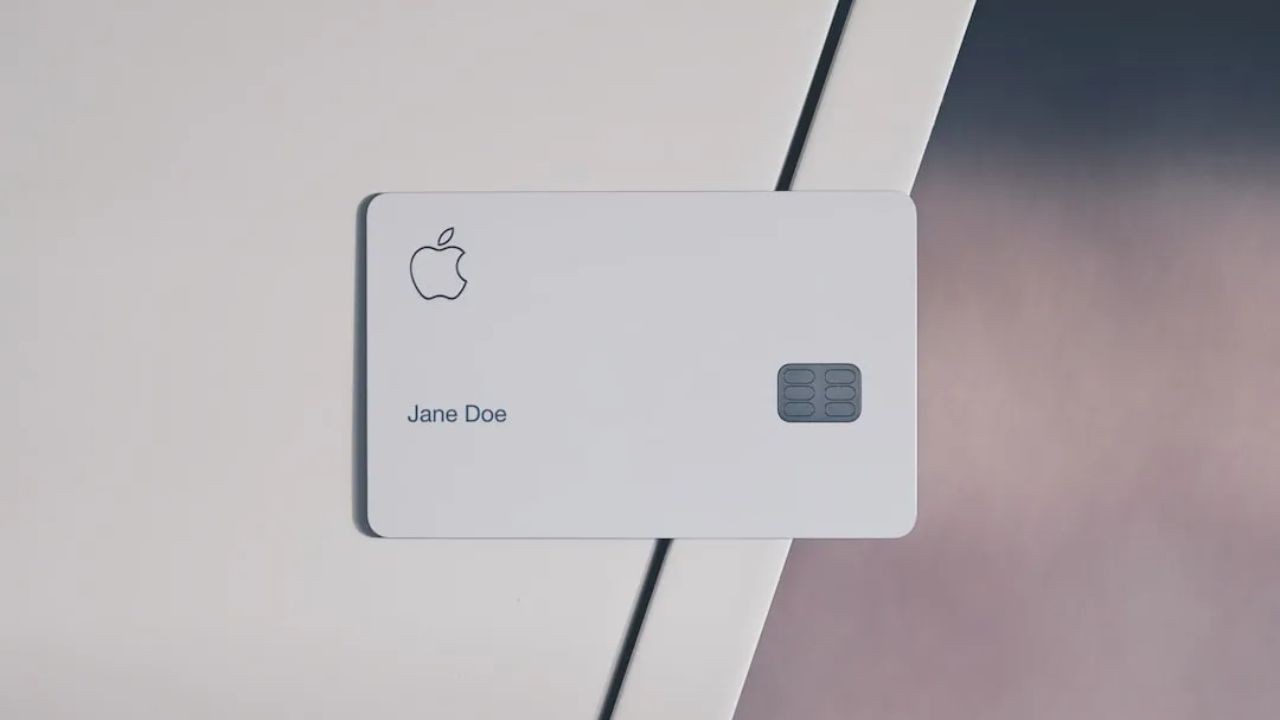
Apple designed it so that you can complete everything from the Wallet app on your iPhone, usually in just a few minutes.
You do not need to visit a bank branch or fill in paper forms. With your information prepared, the process is direct and convenient.
Starting Your Application In The Wallet App
To begin, open the Wallet app on your iPhone and tap the Add button, then choose Apple Card from the list of options. The app prompts you to enter personal information such as your name, date of birth, address, and income.
After you review the terms and conditions, Goldman Sachs performs a credit check and returns a decision. This initial process includes a stage where you can see your offer without impacting your credit score.
Reviewing Your Offer And Accepting Terms
If you are approved, you see a proposed credit limit and APR inside the app. At this point, you can choose to accept the offer, which finalizes the account and adds Apple Card directly to Wallet.
If you decline, there is no obligation to move forward, and you can review the reasons if your offer does not meet your expectations. Accepting the offer may involve a hard inquiry on your credit report.
Using Apple Card Immediately After Approval
Once you accept the terms, you can begin using Apple Card instantly anywhere Apple Pay is accepted, even before the physical titanium card arrives.
You can also request the titanium card for non Apple Pay merchants and activate it when it is delivered.
In Wallet, you set up payment reminders, view Daily Cash activity, and explore savings options. All of this helps you start on the right foot from your first day.
Contacting Apple Card Customer Service
For questions about your Apple Card account, billing, or disputes, you can contact Goldman Sachs Bank USA by calling 877 255 5923 from within the United States and territories.
You can also open the Wallet app, tap Apple Card, and start a secure Messages conversation with support, which many people find more convenient for everyday issues.
Apple’s general support channels remain available for device and Apple ID concerns.
Main Apple Headquarters Location
Apple’s main corporate headquarters is located at One Apple Park Way, Cupertino, California, 95014, in the United States.
This campus, known as Apple Park, serves as the central hub for the company’s executive and product teams.
While Apple Card banking operations sit with Goldman Sachs, this address is the official point of reference for the corporation. Knowing this location can be useful for formal documentation or general research.
Conclusion
If you are comfortable with your credit profile and already use an iPhone daily, Apple Card can be a strong starter or secondary card. The key is using the Wallet tools to monitor spending, pay more than the minimum, and treat Daily Cash as a real financial asset.
When you do that, Apple Card becomes more than just a shiny titanium card. It becomes a practical, transparent tool for everyday money management.
Note: There are risks involved when applying for and using credit. Consult the bank’s terms and conditions page for more information.